4# Essential Linux Commands Every User Should Master

My name is Hamza Rehman. I'm a passionate DevOps enthusiast. With a deep interest in open-source technologies and automation, I enjoys to share my knowledge and insights with the community.
Linux, the backbone of DevOps and open-source technologies, empowers users with a command-line interface that offers unparalleled control over their systems. In this article, we'll dive into a selection of essential Linux commands that every user, from beginners to experts, should have in their arsenal. These commands serve as the building blocks of efficient system management and exploration.
Navigating the File System:
ls- List Files: Use thelscommand to list files and directories in the current location. Adding options like-lprovides detailed information.pwd- Print Working Directory: Thepwdcommand displays the current directory you're working in, helping you stay oriented.cd- Change Directory: Move around your file system withcd. Simply typecd directory_nameto access a specific directory.
Managing Files and Directories:

mkdir- Make Directory: Create new directories effortlessly usingmkdir new_directory.cp- Copy Files/Directories: Duplicate files or directories withcp source destination. Add-rfor directories.mv- Move/Rename Files: Move files or rename them usingmv old_name new_nameormv source destination.rm- Remove Files/Directories: Delete files withrm filenameand directories withrm -r directory.
Viewing and Editing Text Files:

cat- Concatenate and Display Text: Usecat filenameto display the contents of a text file directly in the terminal.less- View Long Text Files: Navigate through lengthy text files using thelesscommand for easy readability.nano- Text Editor: Launch thenanotext editor to create and modify text files within the terminal.
System Information:
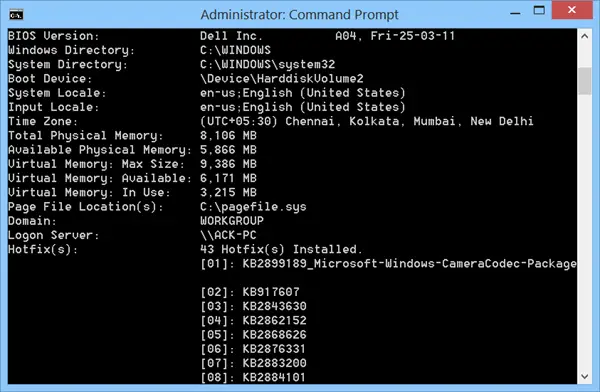
top- Monitoring System Processes: Thetopcommand provides real-time insights into system processes, CPU usage, and more.df- Disk Space Usage: Check disk space utilization usingdf -hto view sizes in a human-readable format.free- Memory Usage: Get an overview of available memory with thefree -hcommand.
Networking:

ping- Check Network Connectivity: Test network connectivity to a host usingping hostname.ifconfig- Network Interface Configuration: Display network interface information withifconfig.
Conclusion:
Mastering these essential Linux commands empowers both newcomers and seasoned professionals to interact with their systems effectively. As you become familiar with these foundational commands, you'll unlock the potential to manage servers, troubleshoot issues, and navigate the Linux landscape with confidence.
