Lecture3 # Git Essentials: Staging, Committing, Branching, Merging, and Resolving Conflicts

My name is Hamza Rehman. I'm a passionate DevOps enthusiast. With a deep interest in open-source technologies and automation, I enjoys to share my knowledge and insights with the community.
Git offers a powerful set of features to manage your project's version control effectively. In this article, we will delve into key Git concepts, including staging, committing, branching, merging, and resolving conflicts.
1. Git Staging: Adding Changes to the Staging Area
Staging is the process of selecting and preparing changes you want to include in your next commit. To stage changes:
- Use the
git addcommand to specify which files or changes you want to include in the commit.
git add filename.ext
For example, to stage a specific file, run:

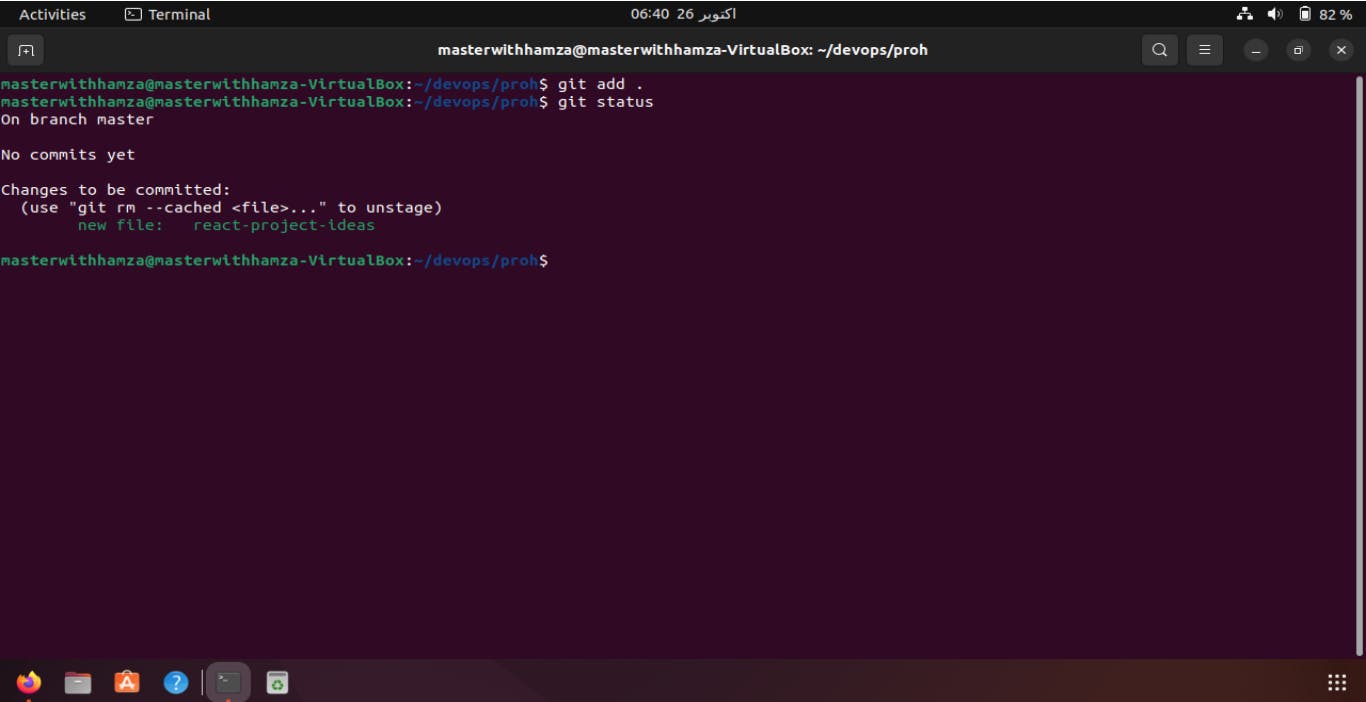
- To stage all changes, use
git add .
git add .
2. Git Commit: Creating a Commit with Staged Changes
After staging changes, you can create a commit to record these changes in your project's history. A commit is like a snapshot of your project at a specific point in time. To commit staged changes:
- Use the
git commitcommand, along with a meaningful commit message:
git commit -m "commited by hamza rehman"
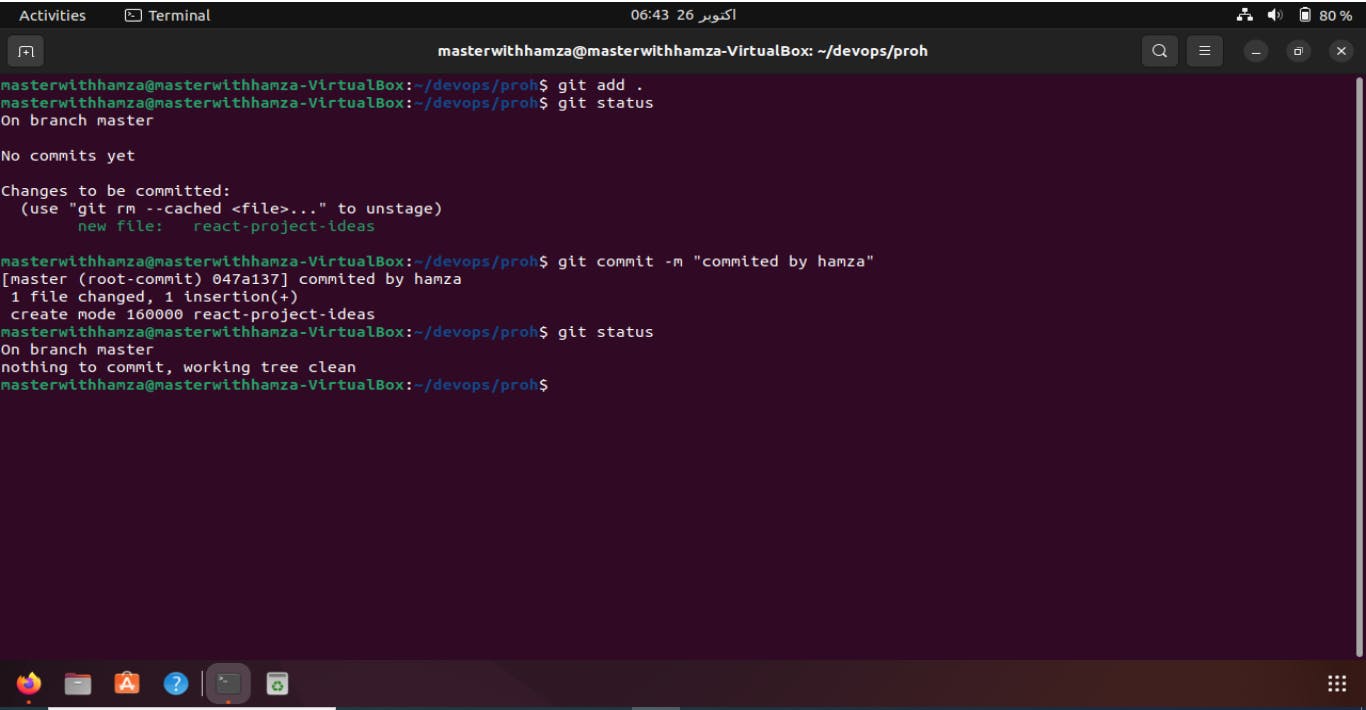
This creates a commit with the staged changes and a descriptive message.
3. Git Branches: Creating and Managing Branches
Branches in Git allow you to work on different features or fixes independently, keeping your main codebase clean. To create and manage branches:
- To create a new branch, use the
git branchcommand:
git branch hamza

To switch to a branch, use the git checkout command:
git checkout hamza

To create and switch to a new branch in one command, you can use git checkout -b:
git checkout -b rehman

To list all branches, use
git branch.git branch
To delete a branch, use
git branch -d branch-name
git branch -d rehman

4. Merging Branches: Combining Changes from One Branch into Another
Merging is the process of combining changes from one branch into another. Typically, you merge feature branches into the main branch to incorporate new functionality or bug fixes. To merge branches:
Ensure you are on the branch where you want to merge changes (e.g., the main branch).
Use the
git mergecommand, followed by the branch you want to merge:
git merge rehman
This combines the changes from rehman into your current branch.

5. Resolving Conflicts: Dealing with Merge Conflicts
In collaborative projects, merge conflicts can occur when two branches have conflicting changes. Git cannot automatically determine which changes to keep. To resolve conflicts:
Git will notify you of the conflict when you attempt to merge.
Open the conflicted file in a text editor.
Manually resolve the conflict by choosing which changes to keep.
Remove conflict markers (e.g.,
<<<<<<<,=======,>>>>>>>) from the file.Save the file.
Stage the resolved file using
git add.Commit the resolution with a descriptive message using
git commit.
Conclusion
Understanding Git's core concepts, including staging, committing, branching, merging, and conflict resolution, is essential for effective version control. By mastering these skills, you can manage your project's development efficiently, collaborate with others seamlessly, and maintain a well-organized codebase. Git's versatility and reliability make it a vital tool for software developers and teams.
